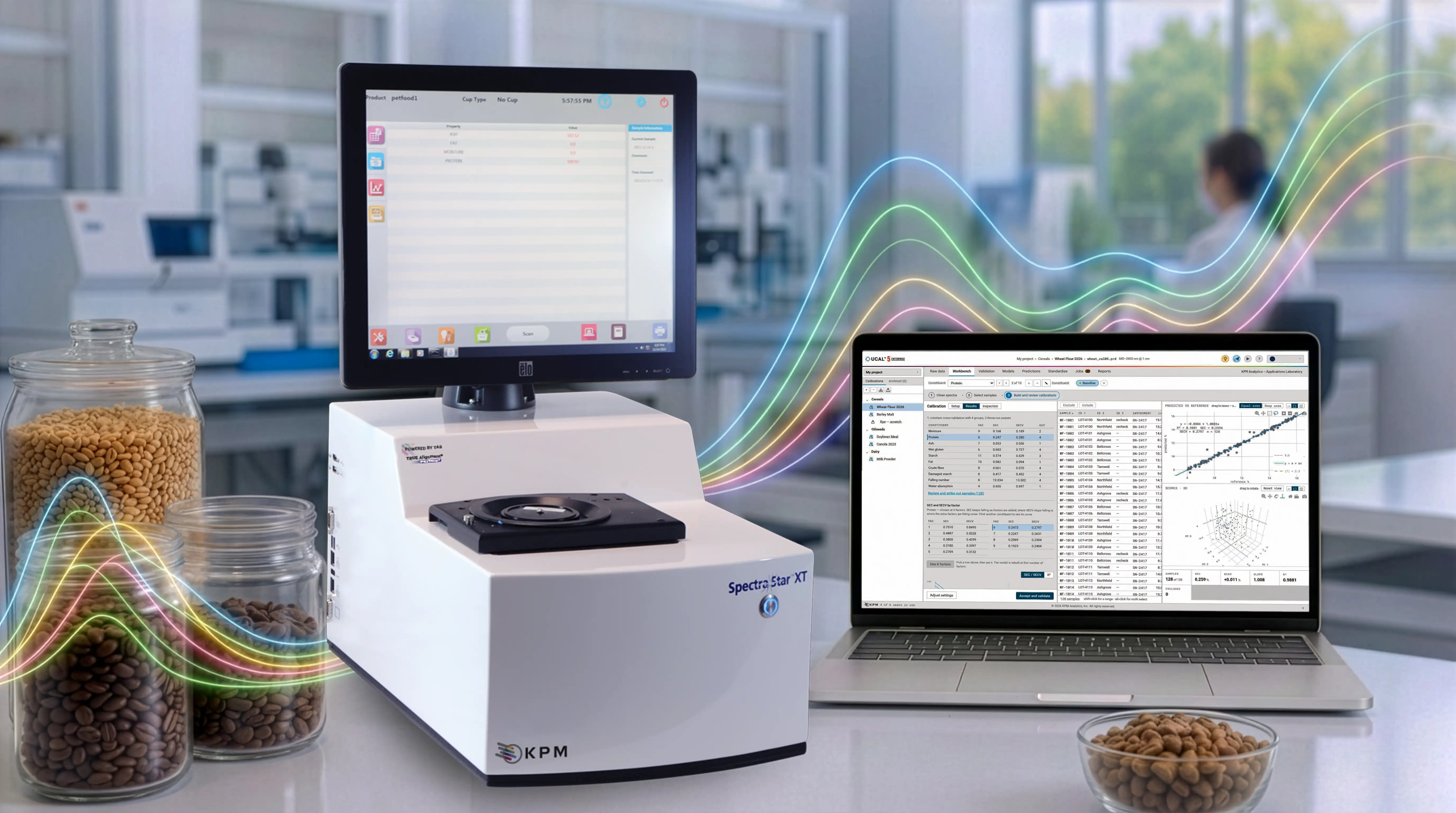
UCAL™ 5 runs in your web browser, on a Windows PC or on your company’s own server, and keeps your spectra, laboratory values, trial calibrations and published models organized in groups and projects that match how your organization works. It makes NIR calibration development accessible to every laboratory and production site, whether you are building your first calibration or have years of chemometrics experience.
Calibration Expertise, Built In, for SpectraStar™ XT Series Analyzers
Benefits
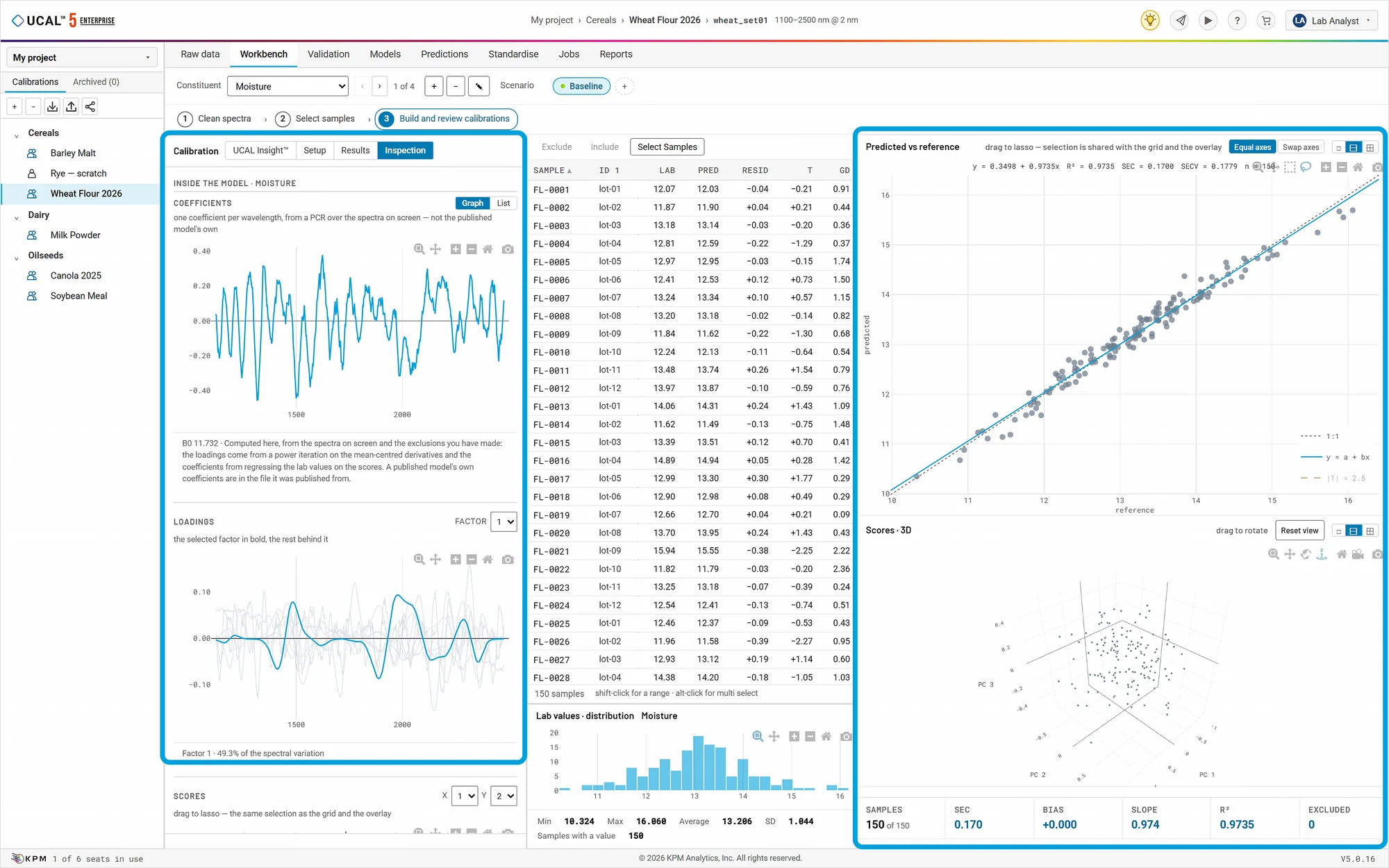
- Customize Calibrations in Four Simple Steps: All users follow the same simple intuitive calibration building workflow.
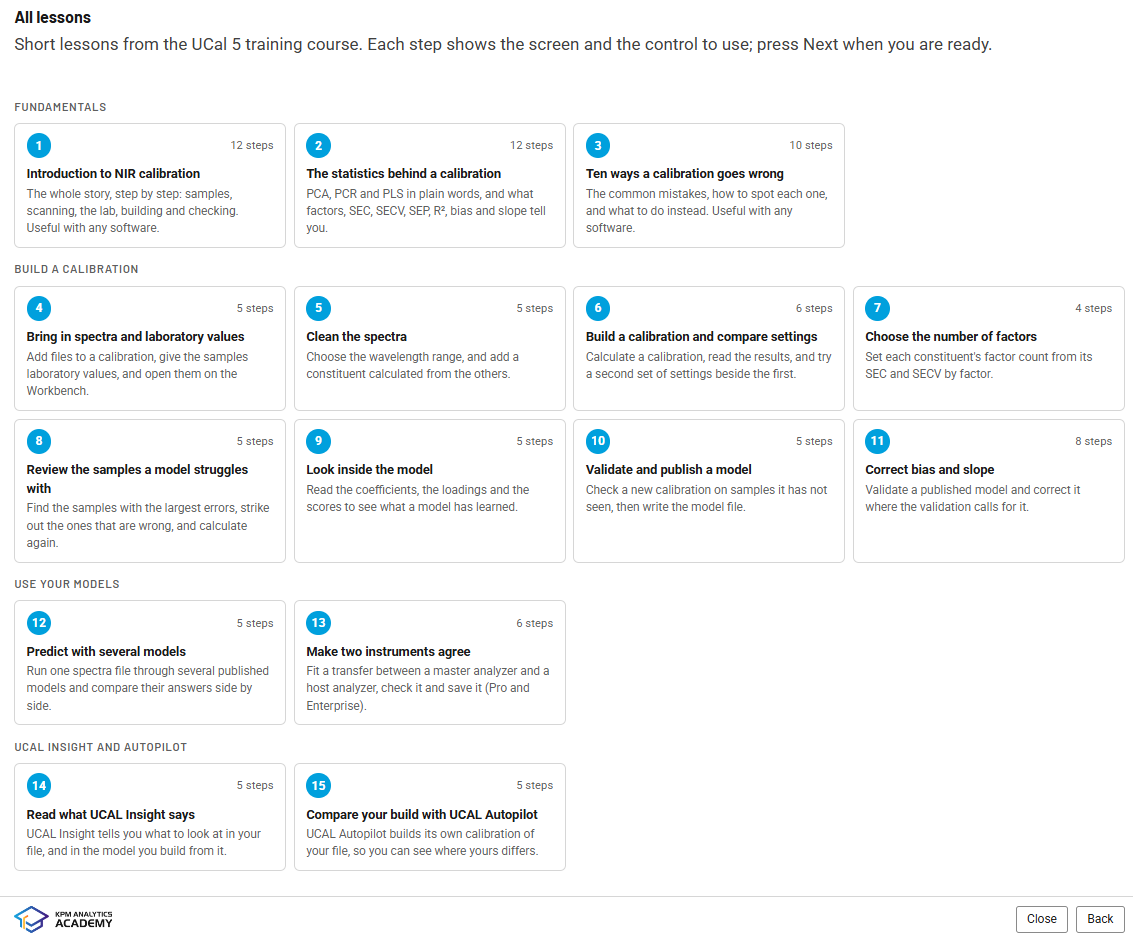
- Multi-Tier Training: With UCAL™ Tutorials and other simplified training modules, users can learn the UCAL™ 5 platform as they work.
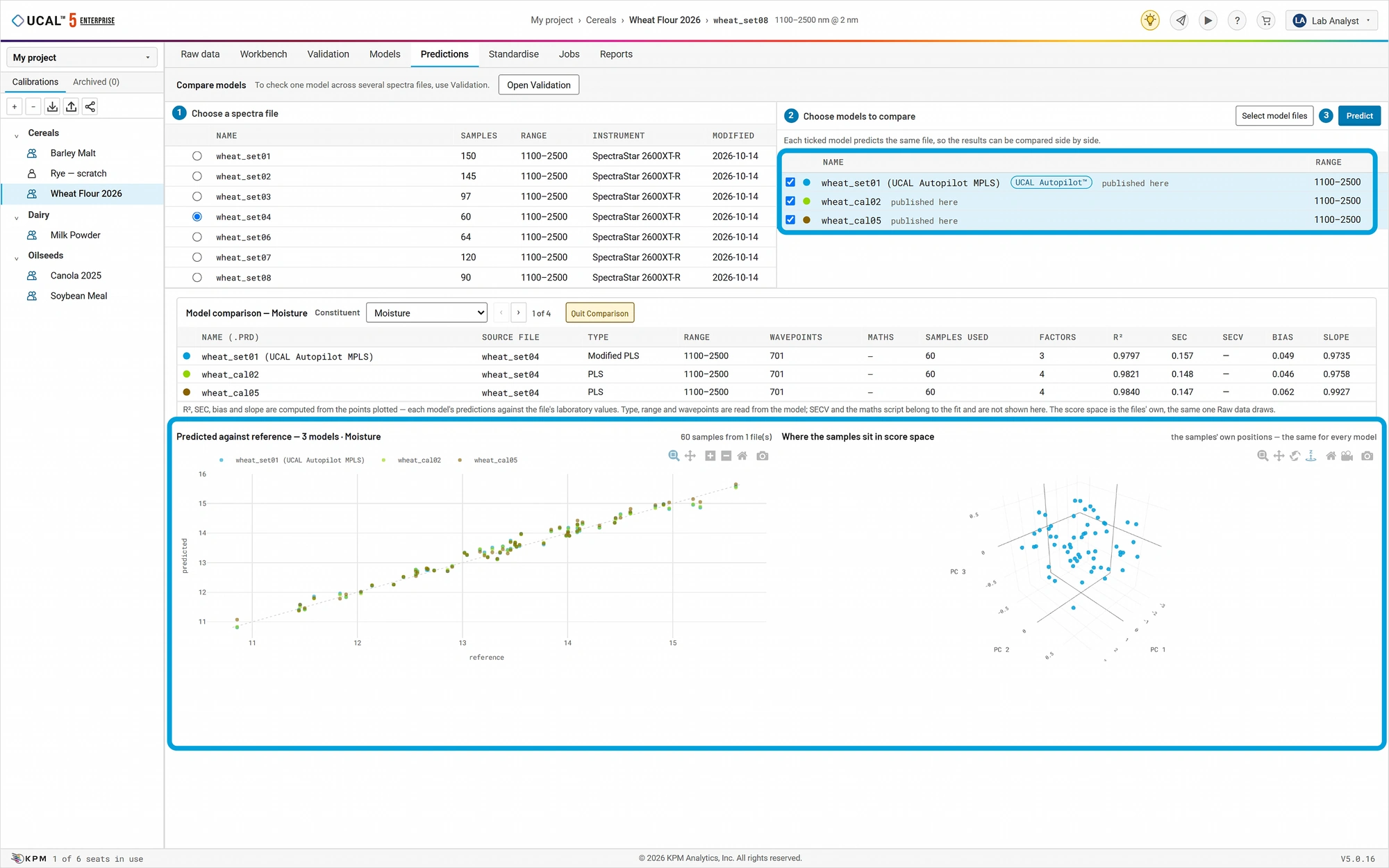
- UCAL Autopilot™: An integrated application that builds comparison calibrations alongside the user’s work based on the platform’s standard settings.
- UCAL Insight™: Functions as a calibration building assistant, identifying areas of the calibration that may need the user’s attention.
- Build with Proven Calibrations: Through the KPM Web Store, users can purchase from a library of over 250 proven calibrations to begin developing their own customized versions.
Features
- Expanded calibration models: UCAL™ 5 supports 18 prediction models based on PLS, PCR, MLR, and also Artificial Neural Networks (ANN) for modeling complex calibrations.
- Runs on a Windows PC or a company server for a full team
- Built for large data sets
- Secure calibration file storage with both private and sharable options (Enterprise only)
- Integrates with KPMLink® cloud-based management software to simplify calibration distribution to instruments on a network
- Manually type laboratory values, or build a reference file from a report
- Individually select the best constituent results out of your trials to build your calibrations
- Batch prediction and validation available
- Use your existing UCAL™ 4 data with no conversions needed.
- Available in 11 languages
How It Works
A Guided, Simple-to-Follow Workflow
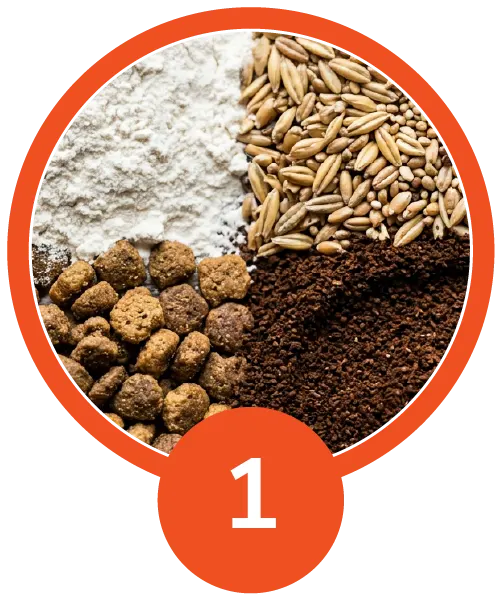
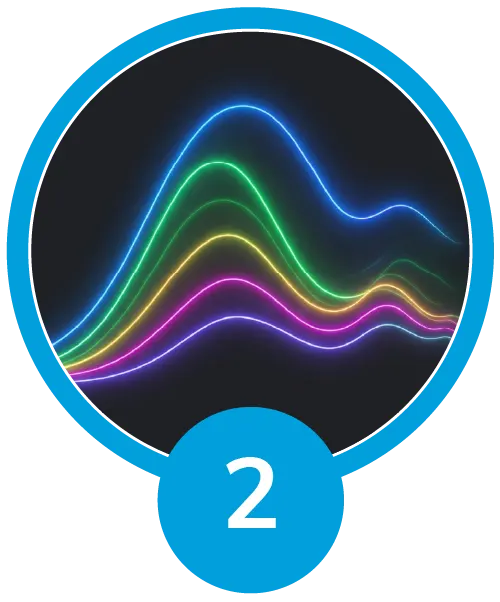
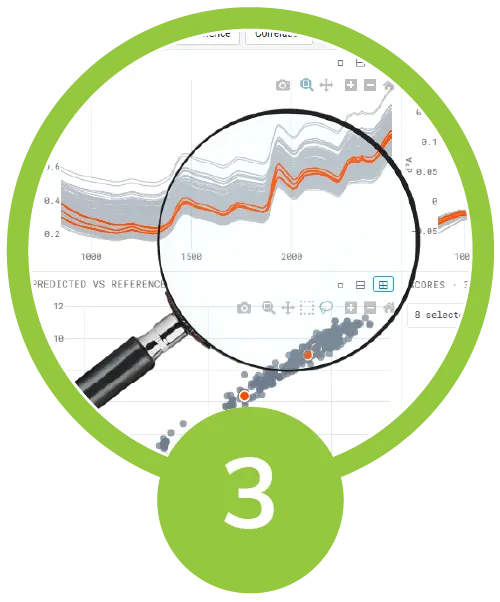
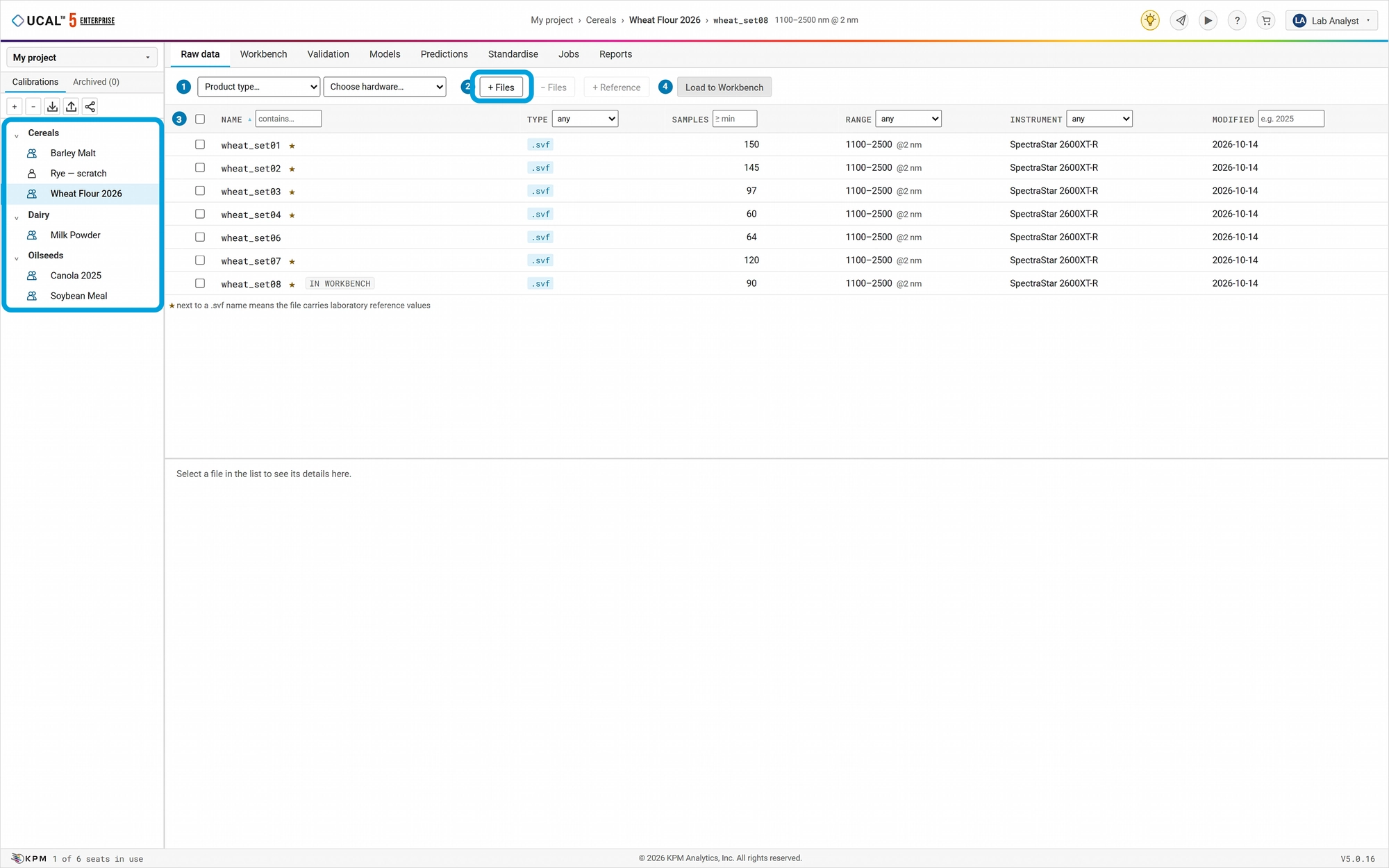
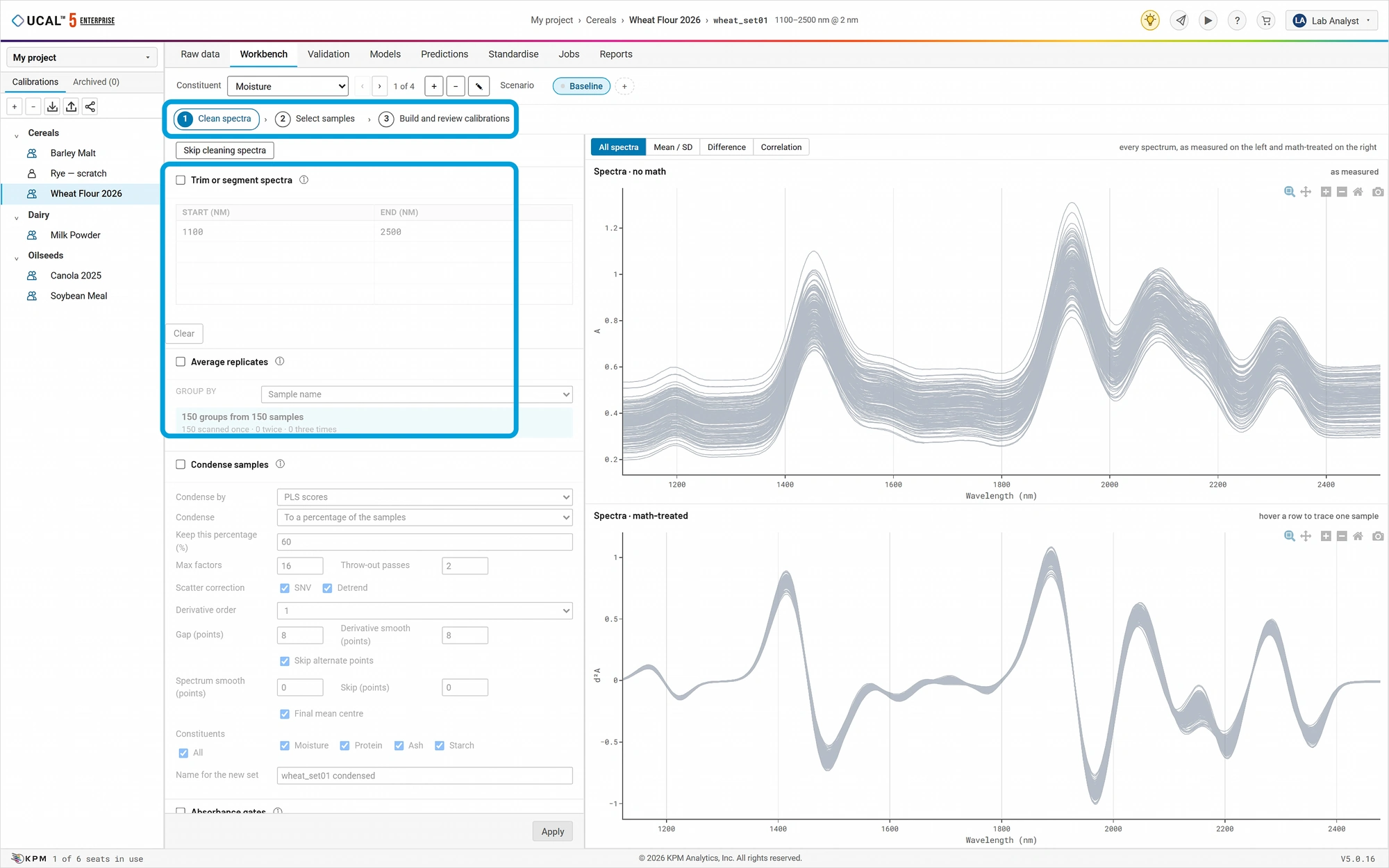
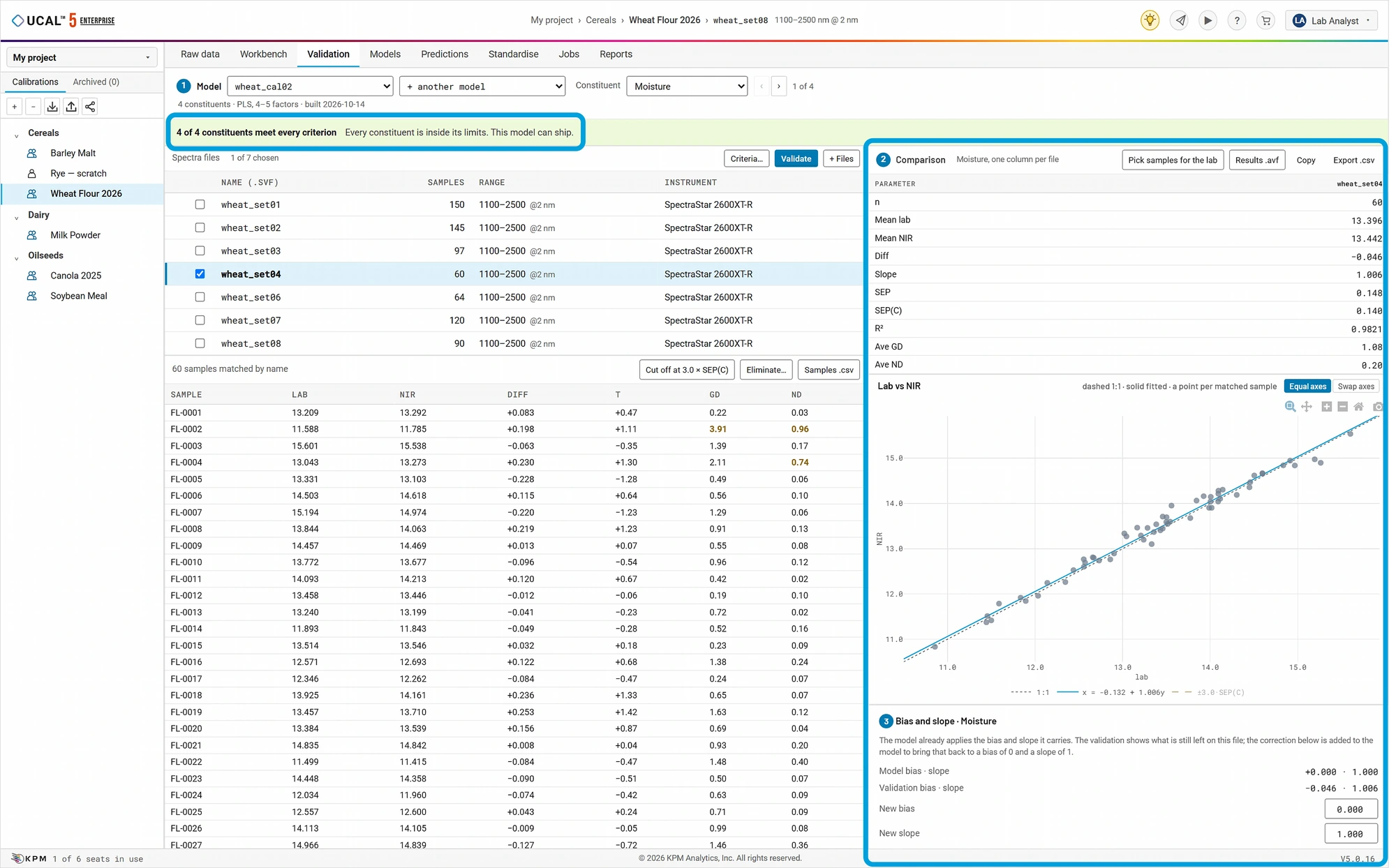
Four Steps to Build a Calibration
Each step guides its result to the next, and any adjustments you make are kept independent of your original files. Additionally, rather than beginning from scratch, users can purchase ready-to-use calibrations from the KPM Web Store to develop their own custom calibrations from proven files.
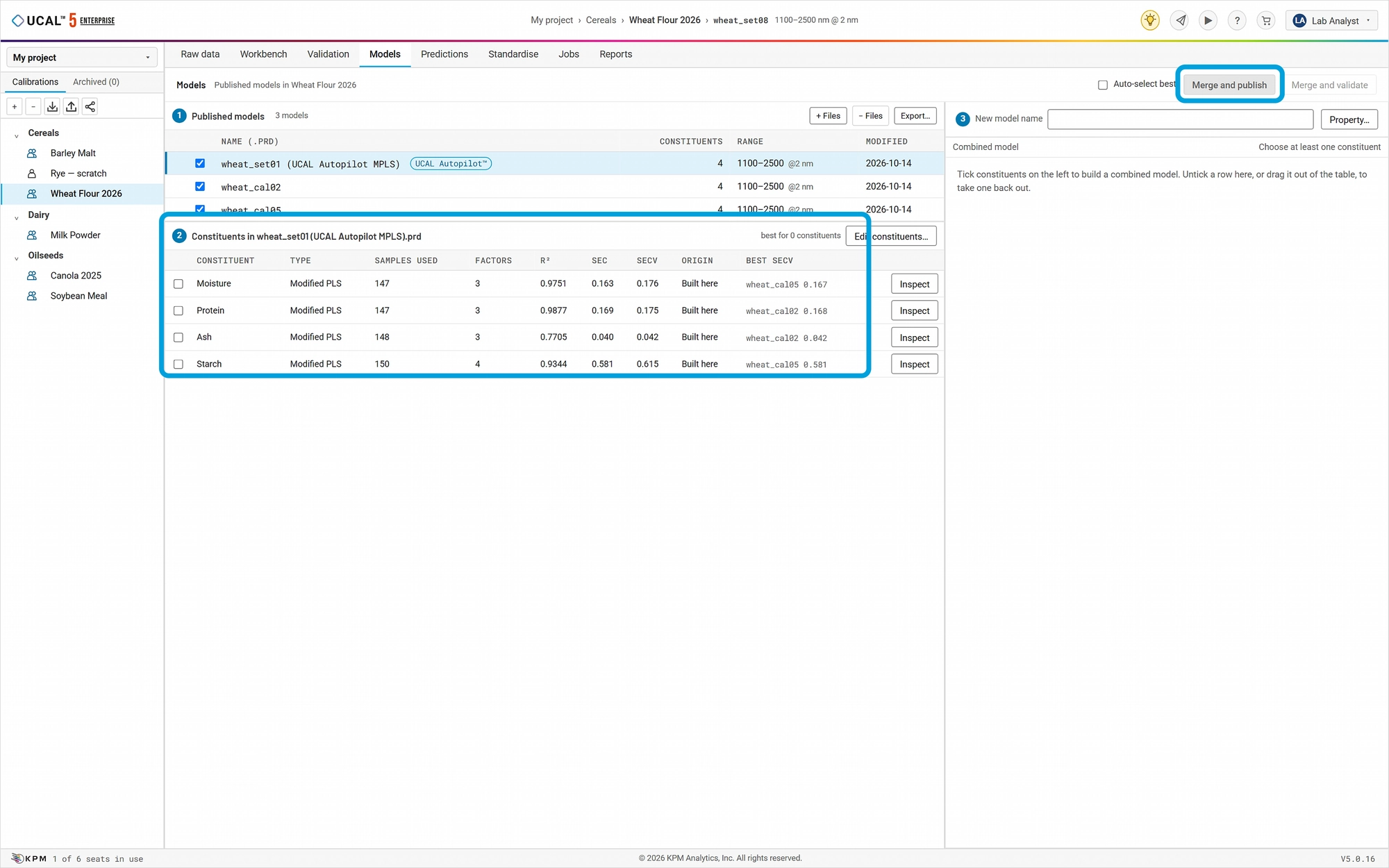
UCAL Autopilot™: A Calibration Built for Comparison
The UCAL Autopilot™ application automatically builds a calibration from the user’s input data using the platform’s default settings. The UCAL Autopilot™ shows every setting it chose so that the user can compare their decisions and is ready to use like any other calibration from UCAL™ 5.
How UCAL Autopilot™ Works
- UCAL Autopilot™ tries several calibration methods with the platform’s standard settings. It presents the calibration that performs best and lists every setting that differs from yours. This process makes it easy to see what to try next.
- It uses PLS, PLS/PCA and vPLS in every edition and adds Modified PLS in UCAL™ 5 Pro and Enterprise.
What UCAL Autopilot™ Provides
- A solid starting point for beginners, and a quick cross-check for experienced users.
- It is built once for each data set and again only when the data changes.
- After validation, its results are shown next to yours, property by property.
- If you prefer its result, you can publish it like any other calibration. You always decide what is published.
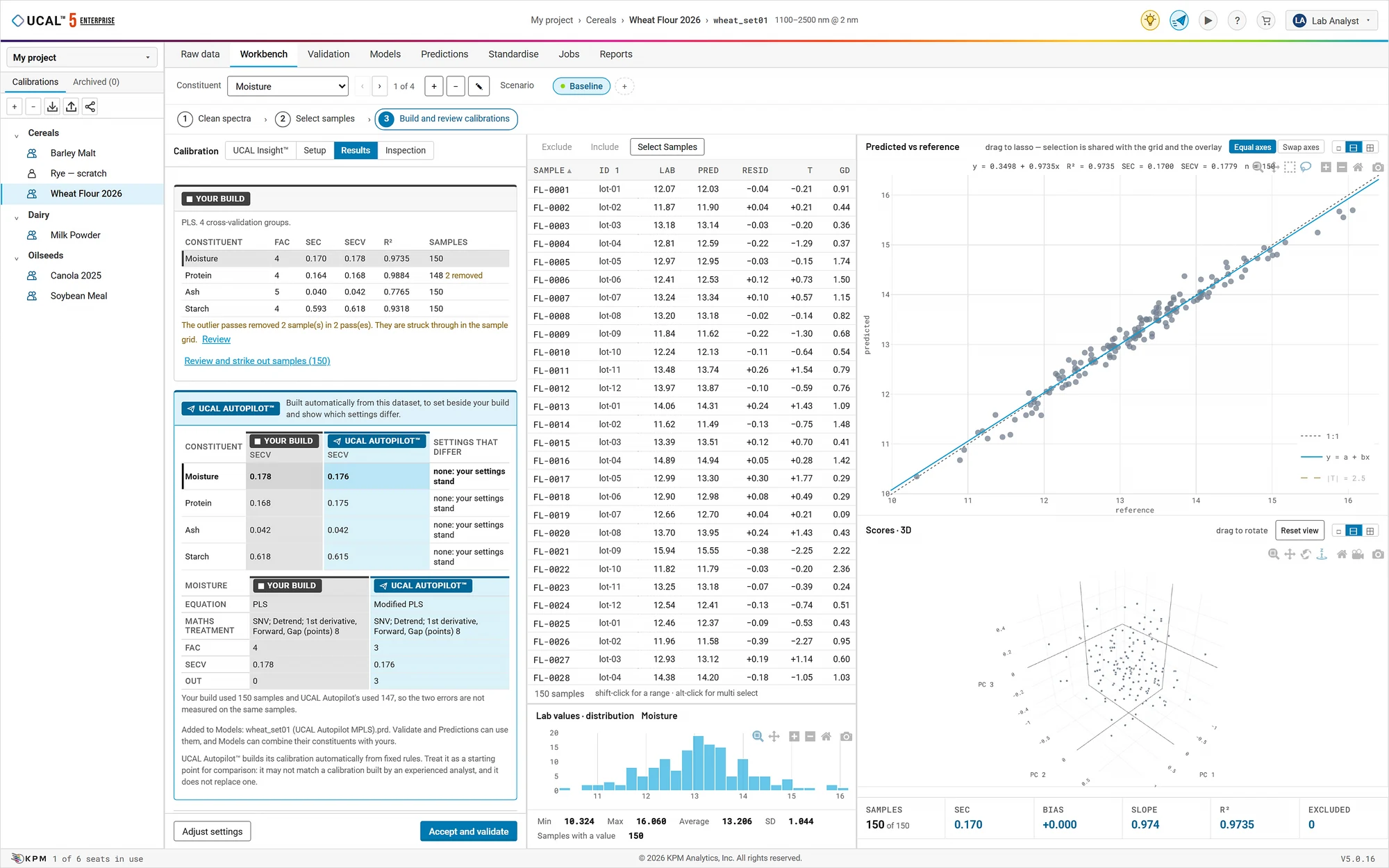
UCAL Insight™: Check Your Work Before You Publish
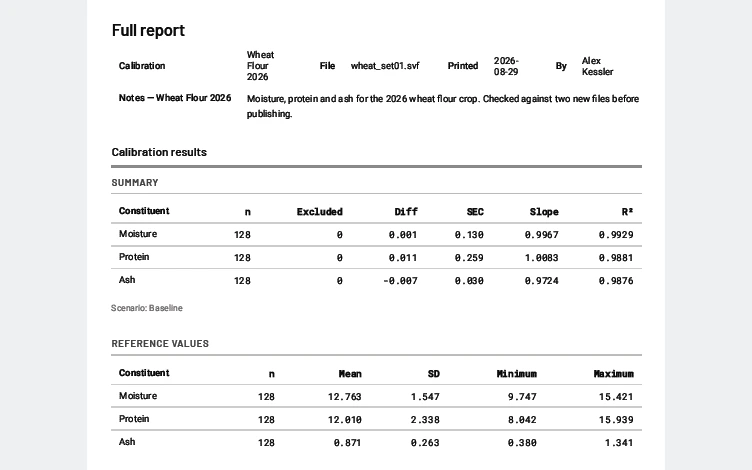
The UCAL Insight™ application looks over your data, your calibration and your validation results, and tells you in plain language what deserves a closer look.
What UCAL Insight™ Checks
- Your data: Whether there are enough samples for the calibration (ASTM E1655), how well the lab values cover the range you need, and duplicate sample names.
- Your calibration: How it was built and how its errors compare.
- Your validation: Whether new samples confirm the calibration, following ASTM and ISO practice.
How UCAL Insight™ Reports
- Each point is marked green, yellow or red, with the reason and what to check.
- These are suggestions, not rules. The user always has the final decision.
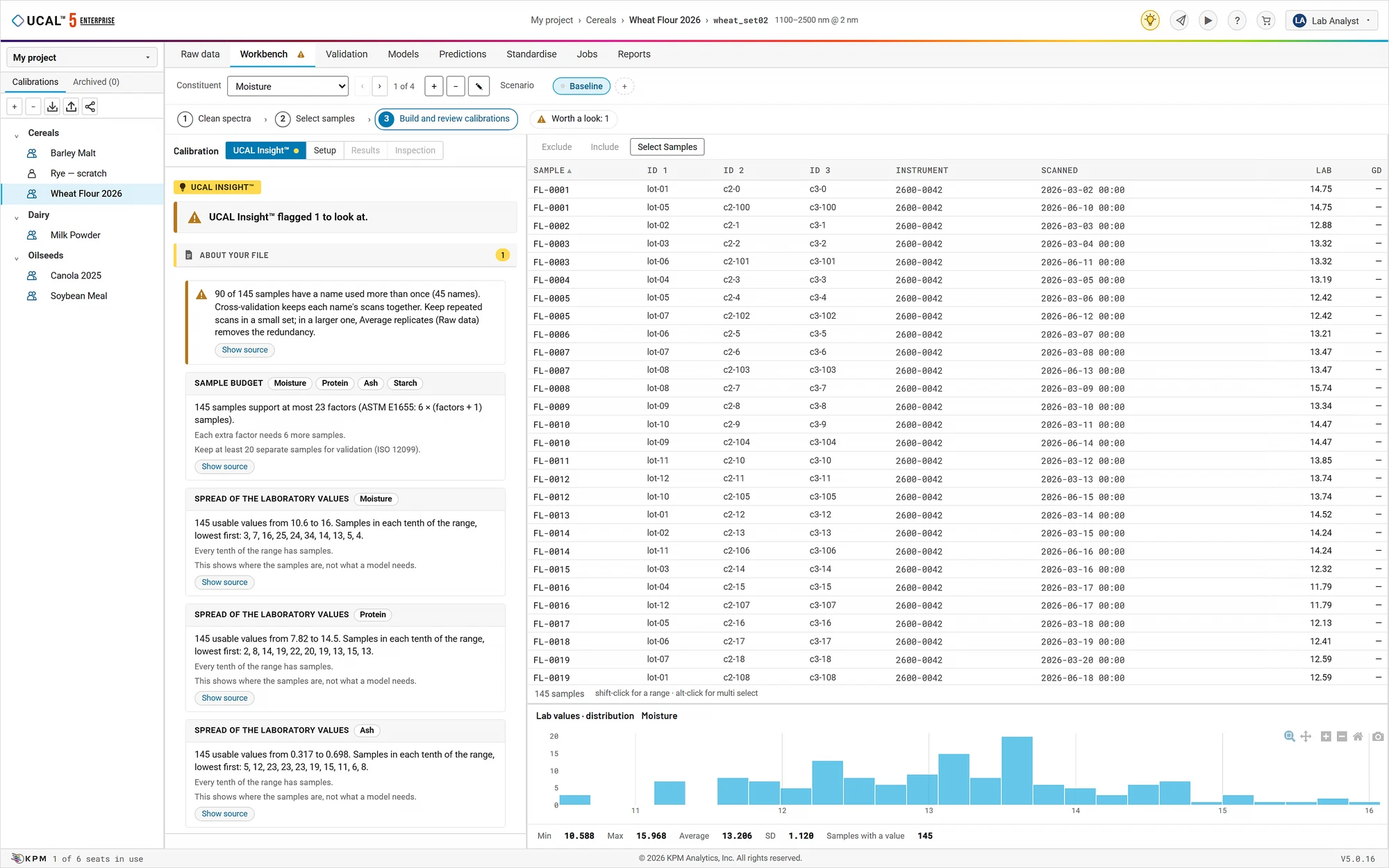
Analysis Within UCAL™ 5
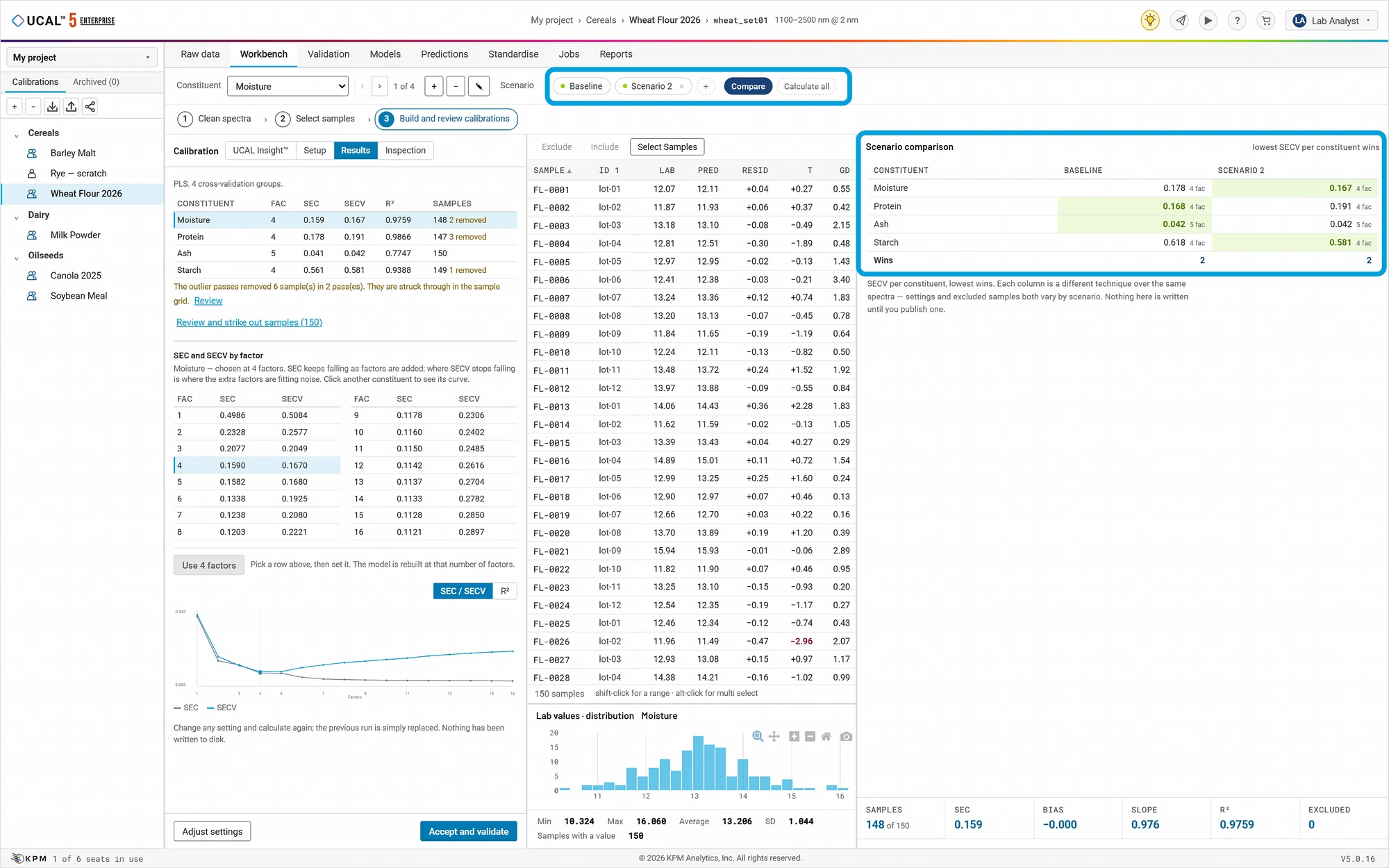
Multi-Tier Training
Built for Experienced and Novice Users Alike
KPM Analytics offers multiple training outlets, whether within the UCAL™ 5 platform itself, or through our on-demand and in-person training offers.

How UCAL™ 5 Options Compare
| Platform Version | UCAL™ 4 (Legacy Software) |  |  |  |
|---|---|---|---|---|
| Typical User | Single analyst | Beginners | One analyst, full tool set | A complete lab team with a shared server |
| Pricing Method | Licensed per PC | Free with SpectraStar™ XT Purchase (Introductory Offer) | Per computer | Per user |
| Total Users | 1 | 1 | 1 | As many as licensed |
| UCAL Co-work™ | No | No | No | Yes |
| Installation | Windows desktop | Windows 10/11 PC | Windows 10/11 PC | Company server, used through a web browser |
| Samples Per Calibration | Up to 5,000 | 500 from .svf files; unlimited from KPM libraries | No set limit | No set limit |
| Calibration Methods | 14: PLS, vPLS, PLS/PCA, PCR, LWP, MLR, 5 qualitative and more | 4: PLS, vPLS, PLS/PCA, PCR | 18: All of UCAL™ 4’s, plus Modified PLS and 3 neural-network models | Same as Pro |
| UCAL Autopilot™ | No | Lite (PLS, PLS/PCA, and vPLS) | Pro (adds Modified PLS) | Yes (adds Modified PLS) |
| UCAL Insight™ | No | Lite | Pro | Yes |
| Built-in Lessons | No | Yes | Yes | Yes |
| File Types | UCAL™ 4 formats | .svf, .lvf, .prd, .esf, .csv, .txt, .xlsx | UCAL™ 4 formats + .esf | UCAL™ 4 formats + .esf |
| Advanced Tools (Sample Selection, Condensing, Multi-Model Prediction, Instrument Standardization) | Yes | No | Yes | Yes |
| Record of Every Change | No | Yes | Yes | Yes |
| Languages | 3 (English, Japanese, Russian) | 11 (English, German, Spanish, French, Japanese, Polish, Russian, Chinese, Portuguese, Korean, and Italian) | 11 (English, German, Spanish, French, Japanese, Polish, Russian, Chinese, Portuguese, Korean, and Italian) | 11 (English, German, Spanish, French, Japanese, Polish, Russian, Chinese, Portuguese, Korean, and Italian) |